Google Chrome is World's Most Popular Browser with more than 3.2 Billion Users (May 2022 Stats) because of its Google Account Integration and thriving extension ecosystem.
As per debugbear's report, there are more than 1,37,345 Chrome Extensions available on the Chrome Web Store, with 17% of Extensions having an average of 12,304 users.
Chrome Extension is a small program that is installed in the browser that enhances the functionality of the browser and increases our productivity. Chrome Extension can be downloaded via the chrome web store.
As we all know Bloggers need to be productive to get better results, and chrome extensions will help us to enhance our productivity level and also it will save our time.
Choosing the right extension from thousands of extensions can be tricky and time-consuming.
We have reviewed tons of extensions and filtered out 13 chrome extensions that will help you a lot.
Disclosure!I only recommend extensions I would use myself and all opinions expressed here are our own. This post may contain affiliate links that at no additional cost to you, I may earn a small commission.
Best Chrome Extensions
1. Scribe - Documentation, SOPs & Screenshots
Uses: Automatically Creates Step-by-Step Guides With Screenshots.
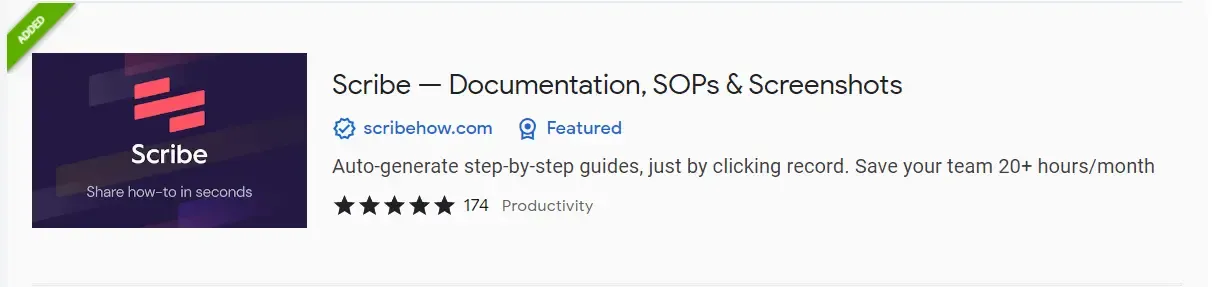
Scribe is a Popular Productivity Chrome Extension ideal for creating step-by-step tutorials you simply record your PC screen and it automatically generates step by step of everything you did.
It will be very helpful to create guides and documentation. Check this example to understand how it generates guides. ex.- How to Convert Currencies in Google Sheets
If you have a blog related to tutorials or you have a product and you want to provide the documentation of your product to your users then you must TRY it.
Features:
- Automatically generate step by step guide using your activity.
- You can share created guides with one click (no ads.)
- Screenshots and texts are editable.
Users and Rating:
Important Links:
- Website:- Scribehow
- Chrome Extension:- Scribe--Documentation, SOPs & Screenshots
2. Blackbox - Select. Copy. Paste & Search
Uses: Copy Text from Videos, Images, PDFs, and many more.

Blackbox is a Popular Chrome Extension that will help you to copy any text from the video, pdfs, images, and webpages without any restrictions.
If you watch video tutorials on programming and want codes shown in the video then you must TRY this extension.
Features:
- Copy Text from youtube videos, PDFs, Images, and Webpages available on the internet.
- Directly paste the copied text into notepad and in any app.
Users and Rating:
Blackbox has 700,000+ users and an Average Rating of 3 out of 5 (707 Reviews).
Important Links:
- Website:- Blackbox
- Chrome Extension:- Blackbox - Select. Copy. Paste & Search
3. Grammarly - Grammar Checker and Writing App
Uses: It Helps you to write mistake-free, and improve your writing skills.

Grammarly is one of the most popular chrome extension that everyone heard about this. It is quite famous for grammar checking, spell checking, tone detection, plagiarism checker, etc.
Plagiarism checker, word changes, and tone changer options are available in its premium version, but its free version is enough for us to improve our writing.
It analyzes the sentence as you write, and then it will add color lines where you can make changes and improve the sentence or word.
Features:
- Works where you write (Blogger, Gmail, WP, etc.)
- Find and Fix Mistakes Grammer and Spelling mistakes.
- It Detects the tone of your writing.
- Punctuation checker
Users and Rating:
Blackbox has 10,000,000+ users and an Average Rating of 4.5 out of 5 (41676 Reviews).
Important Links:
- Website:- Grammarly
- Chrome Extension:- Grammarly: Grammar Checker and Writing App
4. Picture in picture
Uses: Watch Videos and Tutorials in Any Tab with doing your work

Picture in Picture is a Very Simple but very helpful Chrome extension by Google. You Can Watch Videos in Picture-in-Picture Window using this plugin.
This extension's size is just 9kb, and its source code is also available on google.
Features:
- Play Videos in the Floating tab
- Very Low Size
- Keyboard shortcut available (Alt+P)
Users and Rating:
Picture in Picture has 2,000,000+ users and an Average Rating of 4.1 out of 5 (1506Reviews).
Important Links:
- Source Code:- Github Source Code PIP
- Chrome Extension:- Grammarly: Grammar Checker and Writing App
5. Web Developer
Uses: Use Many Web Tools Directly from the extension toolbar.
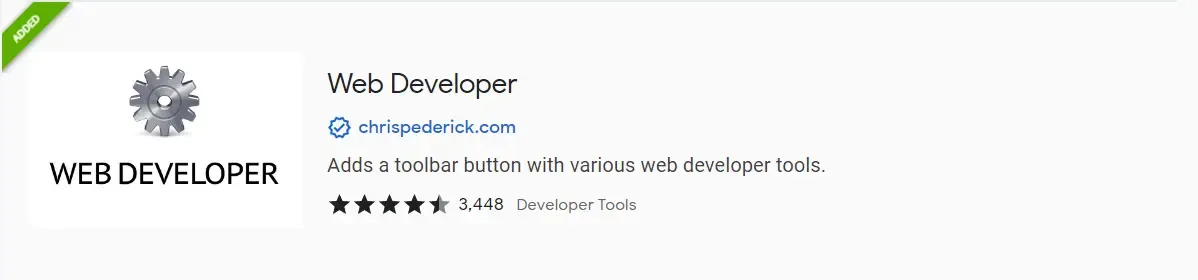
Web Developer is one of my favorite chrome extensions, which I use on daily basis.
This Extension is different from other extensions in our list, it comes under the developer tools category, and most of the others under productivity.
Features:
6. Voice in Voice Typing
Uses:

Features:
FAQs (Frequently Asked Questions)
Title_is_here
Your_text_is_here.
Title_is_here
Your_text_is_here.
Title_is_here
Your_text_is_here.
Title_is_here
Your_text_is_here.
Title_is_here
Your_text_is_here.